
Instructional Design
I use industry-standard tools to design and develop engaging, high-quality learning experiences that drive performance and retention.
Here are examples of past projects that I have worked on:
Instructional Design
Food Safety Compliance eLearning
Articulate Rise · Articulate Storyline · Vyond
This Food Safety Compliance training was designed using branching to educate both US and CA Customer Care agents on Food Safety Compliance. Includes a drag and drop sorting knowledge check.
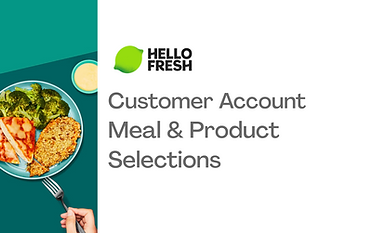
Customer Service Product Training eLearning
Articulate Storyline · Vyond
An eLearning designed to familiarize new HelloFresh Customer Care agents with the meal kit products.
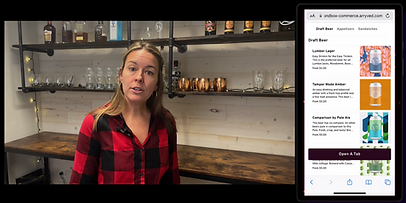
Customer Product Education: Product Onboarding Videos
Camtasia
The goal of this project was to support our SaaS customers in self-onboarding to Arryved's QR code point of sale product. These videos were incorporated into a learning path that walked through the setup process.
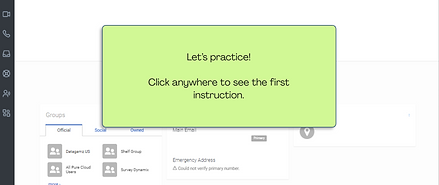
Interactive Software Simulation
Articulate Storyline
I created this simulation to give Customer Care Supervisors hands-on practice with the Customer Survey software, helping them build confidence and accuracy before using it on the job.

Customer Service Logistics eLearning
Articulate Rise · Articulate Storyline · Adobe Premiere Pro · Vyond
Developed to educate Customer Care agents on the HelloFresh Delivery Network and tools to aid with logistics interactions. Includes annotated screen recording demos with voiceover and interactive software simulation activities.
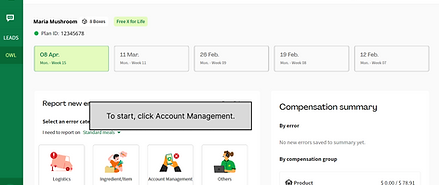
Interactive Software Simulation
Figma
I created this simulation to walk Customer Care agents through how to report a customer issue using the agent reporting software.
Instructor Led SOP Upskilling
Google Slides · Internal Knowledge Base
An instructor led refresher training for Pets Table agents designed to improve adherence to specific SOPs. Facilitator instructions provided in Slide Notes.
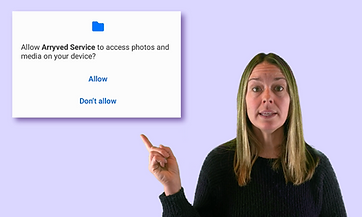
Customer Troubleshooting: Microlearning Video
Camtasia · Green Screen
This short how-to video was created in response to a customer knowledge gap that resulted in frequent Customer Support tickets. It quickly walks customers through how to complete a task within the Arryved App.
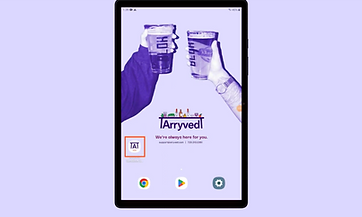
Customer Product Education: In-App Screen Recording
Camtasia
The goal of this project was to provide an on-screen walkthrough for one step of a product set-up process. Camtasia provides helpful ways to highlight and annotate to guide users eyes on the screen.
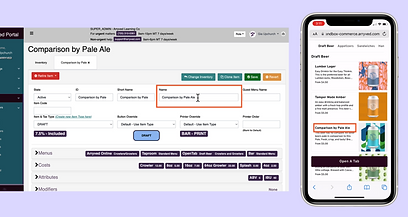
Screen-in-Screen Tutorial
Camtasia
This video was created with the goal of showing how to edit specific aspects of a user-facing product from the backend, making it useful to see both screen displays side-by-side.
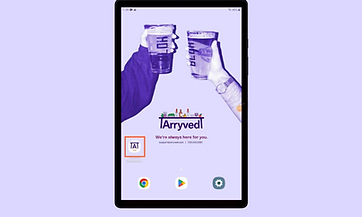
Simplified GIF
Camtasia · Snagit
The goal of this project was to create a short gif that could be embedded directly into technical documentation. The advantages of a simplified GIF are that it auto-plays silently and communicates the needed steps without unnecessary visual clutter.
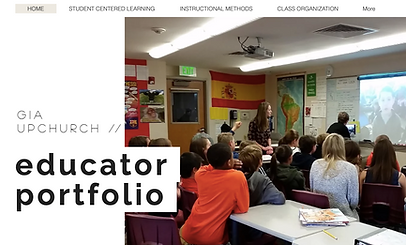
Educator Portfolio
Wix.com · Youtube
I created this teaching portfolio to illustrate how my instructional design practices connected learning inside and outside the classroom, reflecting Dawson School's educational philosophy.
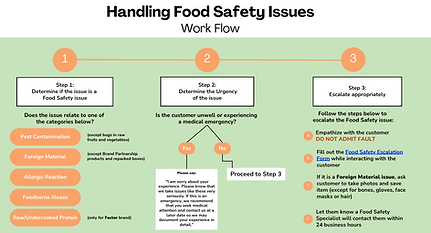
Job Aid: Quick Reference Workflow
Canva
I created this job aid as a quick reference tool to support Customer Care agents with Food Safety interactions.
Process Improvement
Clear, consistent processes create efficiency. I build structured workflows and source-of-truth documentation that streamline collaboration and sustain content accuracy across teams.
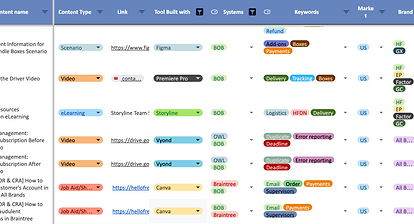
Content Management Tool
Google Sheets
I built a centralized Content Catalog to track audits, plan updates, and provide quick visibility into 600+ learning assets.
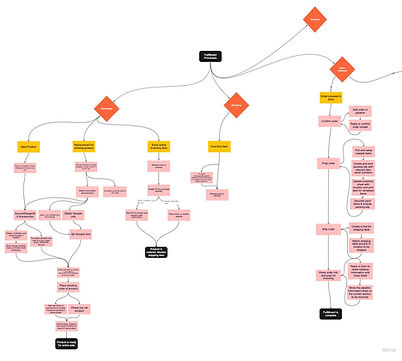
Process Mapping
Miro
While this map is still a work in progress, the growth of both our team and the company make it important to visualize all of the elements that work together to make up the fulfillment process.